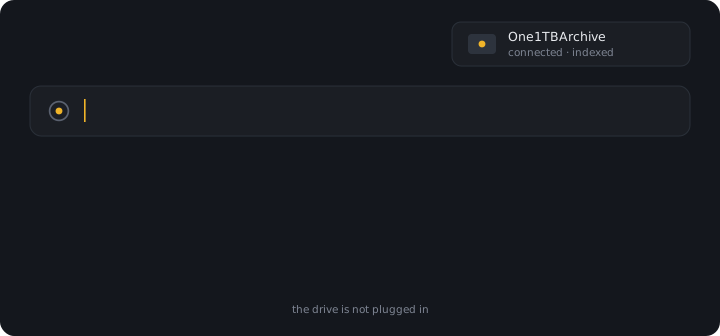
The drive is not plugged in. The result is real — path, size, date, and a snippet
cached the last time it was connected. Offline results are a Pro feature; see pricing.
macOS · on device · free panel
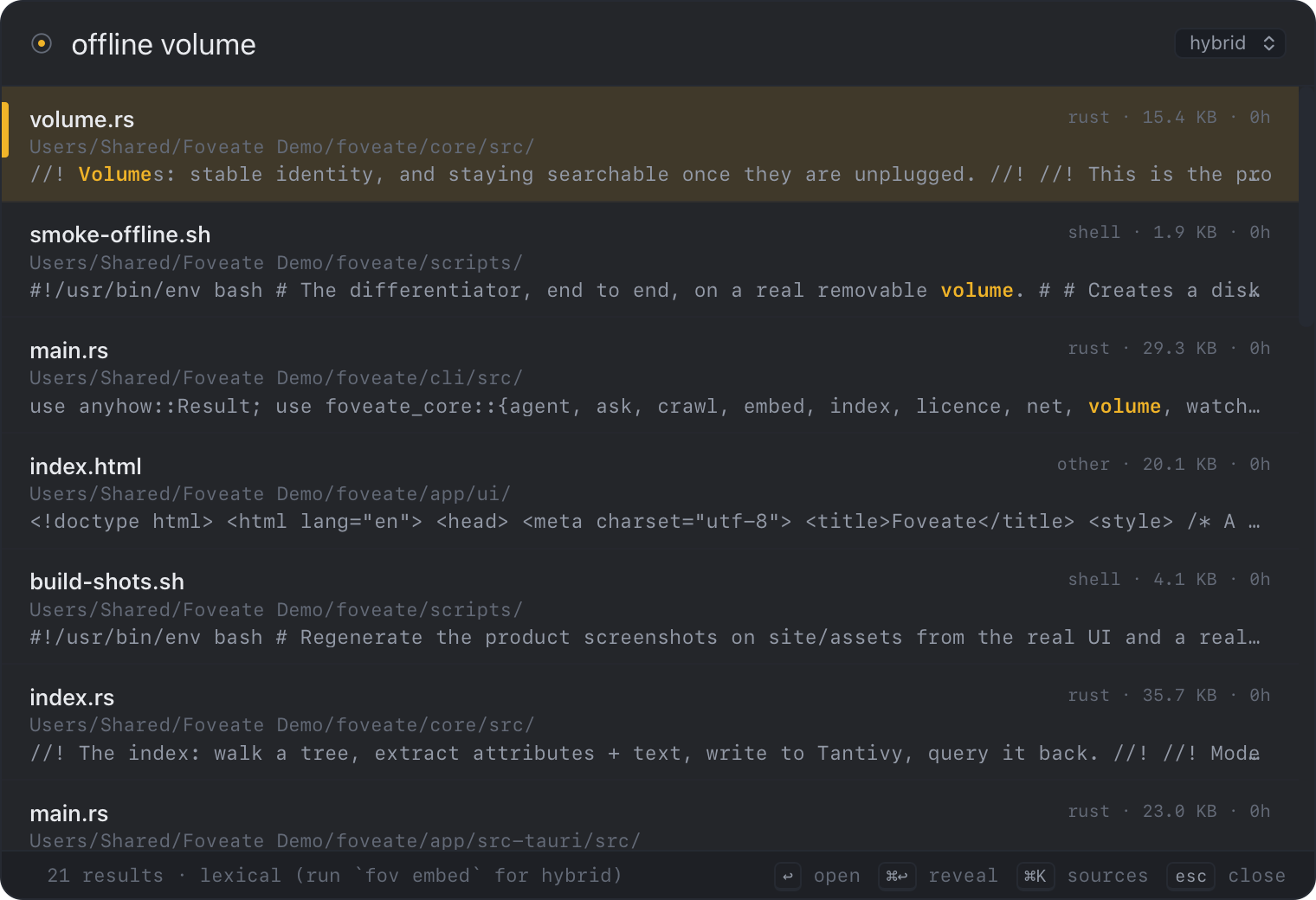
Spotlight forgets a drive the moment you eject it. Foveate keeps it indexed, tells you which drive to plug in, and shows you the text — with the disk still in a drawer.
Free panel, forever · 14-day Pro trial included · Apple Silicon, macOS 14+
One index. Three ways to search it. Nothing leaves the machine.
Documents are tagged with the volume's UUID, so a drive that comes back as "Archive 1" is still the same disk. Results name the drive to plug in. Pro.
"My espresso tastes harsh" finds the note about bitter extraction. BM25 and on-device embeddings, fused — never one pretending to be the other. Pro.
PDF through Apple's own PDFKit, plus Word, Excel and PowerPoint — and text inside images on request, via Vision. A password-locked PDF is findable by name and never by content.
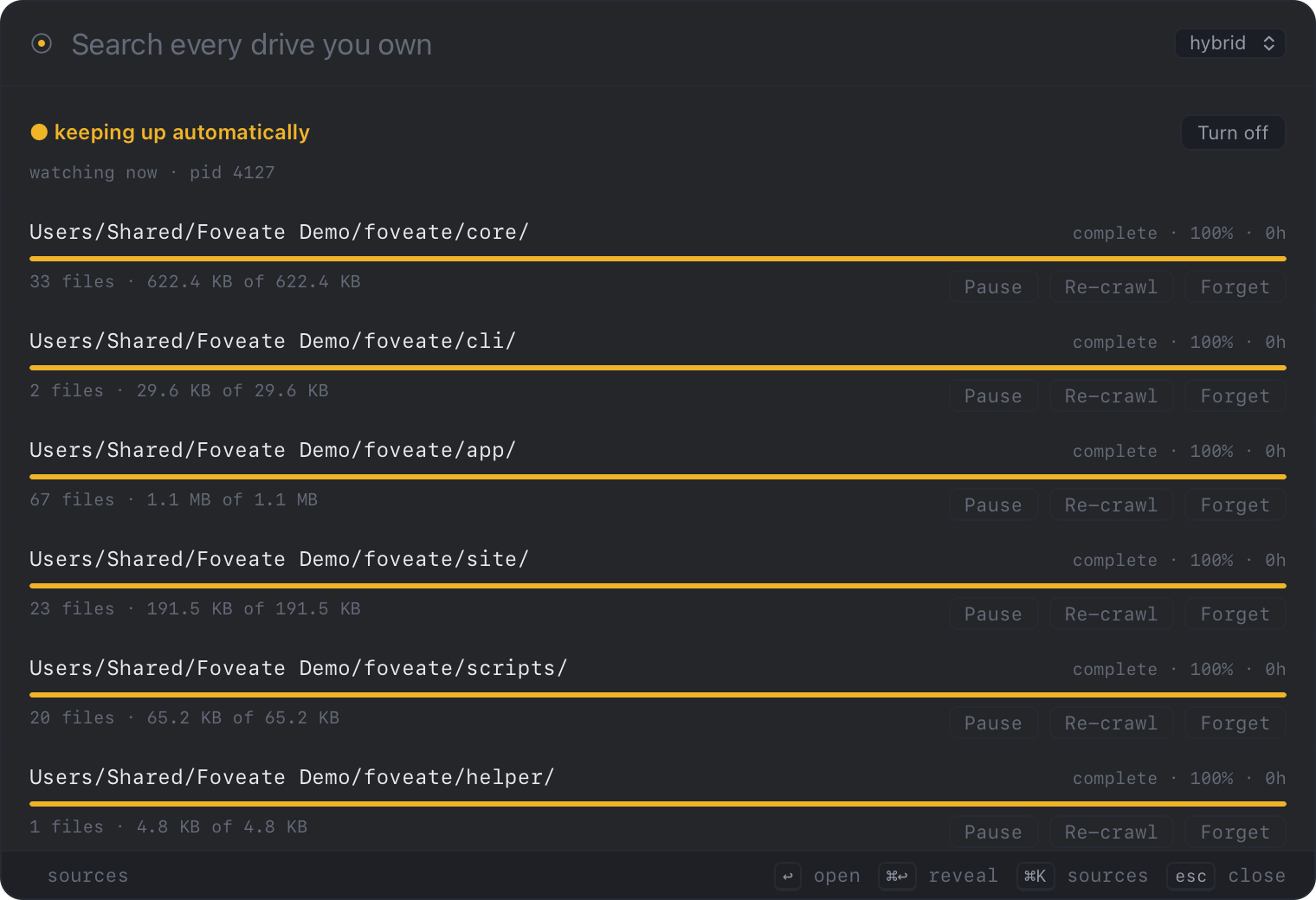
FSEvents, not a re-scan. Write a file and it is searchable seconds later, with no crawl and no spinning fans.
SMB and NFS, polled and diffed so unchanged files are never re-read. An unreachable share never deletes your index.
Kill it whenever. Re-run and it continues. Newest files first, so the half you are most likely to search is done first, and it reports minutes rather than a spinner.
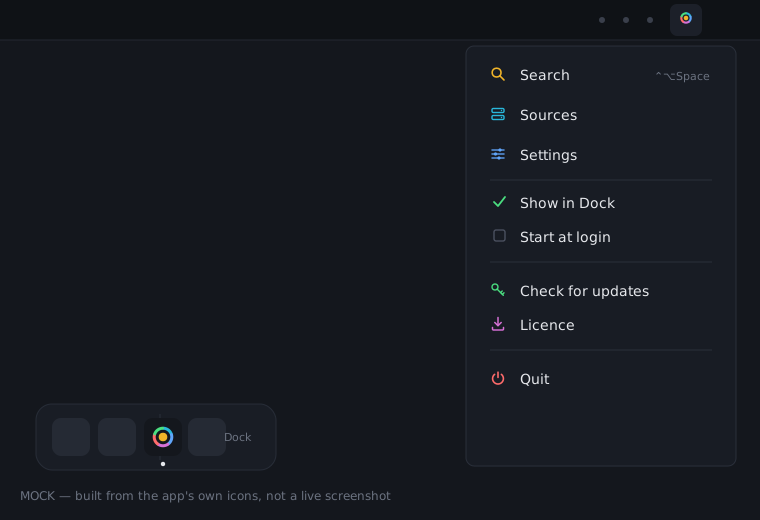
A Dock icon and a menu bar item — Search, Sources, Settings, Quit, one click away. The hotkey defaults to ⌃⌥Space and is configurable.
Start at login, and exactly one instance — no duplicate Dock tiles no matter how many times you launch it. Signed with a Developer ID.
From runs on an M1 Pro against a real 310,461-file, 46.8 GB tree. The scripts that produced them ship in the repository, so you can re-run them on your own.
| Measurement | Result |
|---|---|
| First index — 310,461 files / 46.8 GB | 342 s |
| Search across 310k documents | 42 ms |
| New file written → findable | 3.1 s |
| Paraphrase recall@5 — keyword vs hybrid · separate 24-doc set | 50% → 75% |
| Exact-match recall, unharmed by the above · same set | 100% |
the two recall rows come from 16 hand-labelled queries over a 24-document corpus — a small set, deliberately separate from the timing rows above, and we say so
Same engine as the app. Free forever, MIT, no licence, no limits.
The panel — Dock icon, menu bar and hotkey included — ships as a DMG from this site and is free too. macOS 14 or later, Apple Silicon. Indexing needs Full Disk Access — macOS asks once, on first run, and the app tells you why.
Free covers the panel and search across drives that are plugged in right now. Pro adds the drives that are not. Every install starts with 14 days of Pro; when the trial ends it drops to Free — it does not stop working.
Every index, search, extraction, ask and network-share feature, from the terminal. Free forever, on purpose: it is the funnel.
Install freeThe panel on ⌃⌥Space, a Dock icon and a menu bar item, lexical search across every drive that is currently mounted, open and reveal, start at login, auto-update.
Get the panelPerpetual, one Mac, free updates through 2.x. Adds:
Everything in Pro, licensed for five machines. Same perpetual terms, same 2.x updates.
Buy 5-Mac Pro — $79Checkout is not wired up yet — email and a licence key comes back the same day. Purchases will be sold by our merchant of record, who is the seller of record, issues your invoice, and handles payment and any applicable taxes; we never see or store your card details.
Worth knowing before you pay, not after.
No app launching, no calculator, no workflows. Raycast and Alfred own that. Foveate should be called from them.
No moving, renaming, tagging, deleting or de-duplicating. Finding is the whole product.
Audio and video are transcribed on device at 26× realtime, and images are read with --ocr at about 60× a normal crawl. Both are opt-in, per file, and never run during an ordinary crawl. Both need Pro in the app; the CLI has always had them free.
Unsupported. Their container format is undocumented, so those files are found by name only.
It is built on FSEvents, DiskArbitration, PDFKit and the Neural Engine. A port would be a rewrite.
Then Spotlight is free and fine — use it. Foveate is for archives bigger than the laptop.
A Dock icon and a menu bar item — the app used to be invisible between hotkey presses. Start at login, a configurable hotkey, a single-instance guarantee, and a signed build. And the pricing changed: the panel is now free, and the 14-day trial unlocks Pro rather than gating the whole app. Full notes on the changelog.
It indexed the drive while it was. The text, every attribute and a 512-byte snippet of each file stay on your Mac. You cannot open the file until you plug the drive back in — Foveate tells you which one, by name. This is a Pro feature; Free still searches every drive that is currently mounted.
No. No account, no telemetry, no licence server — the licence is a signed token verified offline. The embedding model is downloaded once (130 MB) and then runs locally on the Neural Engine.
342 seconds for 310,491 files across 44.8 GB. It is resumable — kill it whenever and re-run to continue — and it indexes newest files first, so the half you are most likely to search finishes first.
Nothing breaks. The 14-day Pro trial ends into Free, not into a locked app — the panel, the hotkey and search across mounted drives keep working forever. A locked-offline result says so in the app, once, naming what buying Pro would change. Pro itself is a one-time payment; there is nothing to stop paying.
Because it is how you find out whether this works on your archive before paying for anything. The CLI is the whole engine and it is MIT, including offline-volume search and OCR — the app's free tier is more limited than the CLI on purpose. Pro is the warm model, the offline badges, and managing sources from the panel.
Yes, in beta and opt-in. Shares have no change notifications, so they are polled and diffed every six hours. An unreachable share never deletes what it already indexed.